- Developer
- Ubiquiti Labs, LLC
- Installs
- 100M+
- Downloads
- 1
- Views
- 2
- Updated
- Oct 15, 2026
Screenshots
About VN: Photo & Video Editor
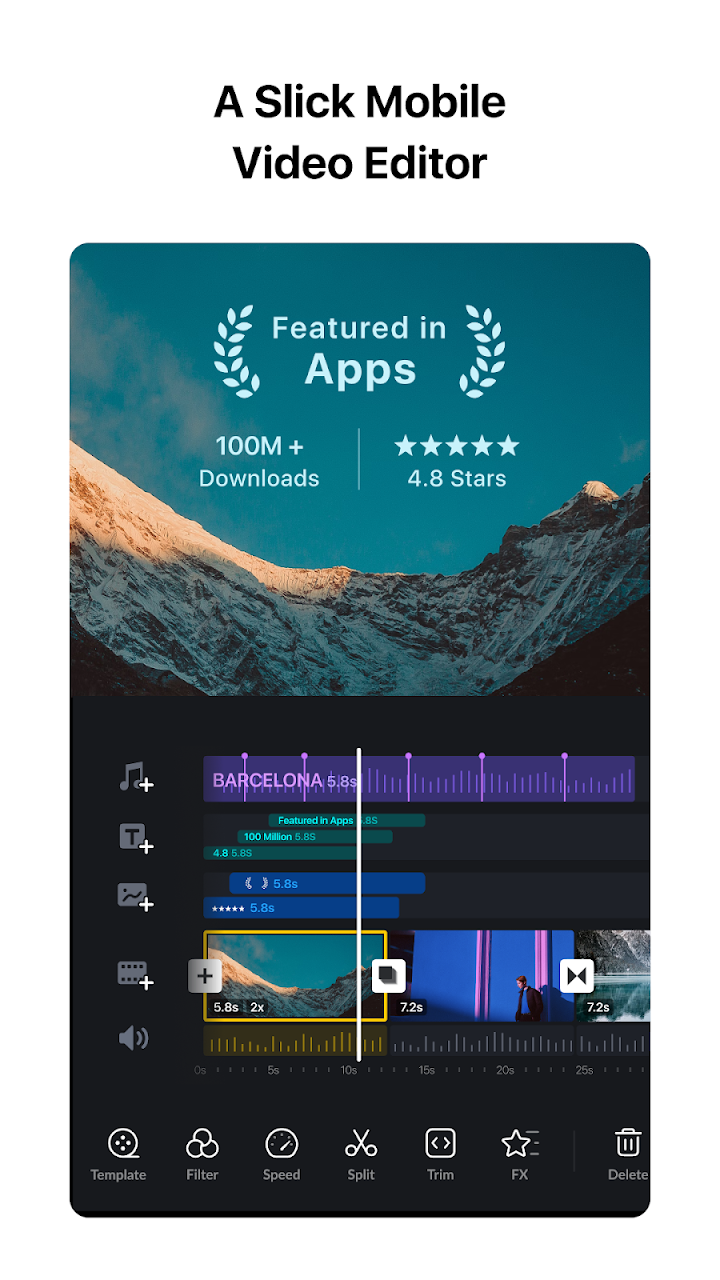
VN is an all-in-one video and photo editor for TikTok, Instagram Reels, YouTube Shorts, and more. Edit on an intuitive multi-track timeline, create beat-synced videos with AutoCut and BeatsClips templates, make photo collages, use AI Kits for creative generation, add auto captions, and export in up to 4K at 60fps.
[AI Kits]
- Enhance Photo. Improve clarity, detail, and overall photo quality with AI.
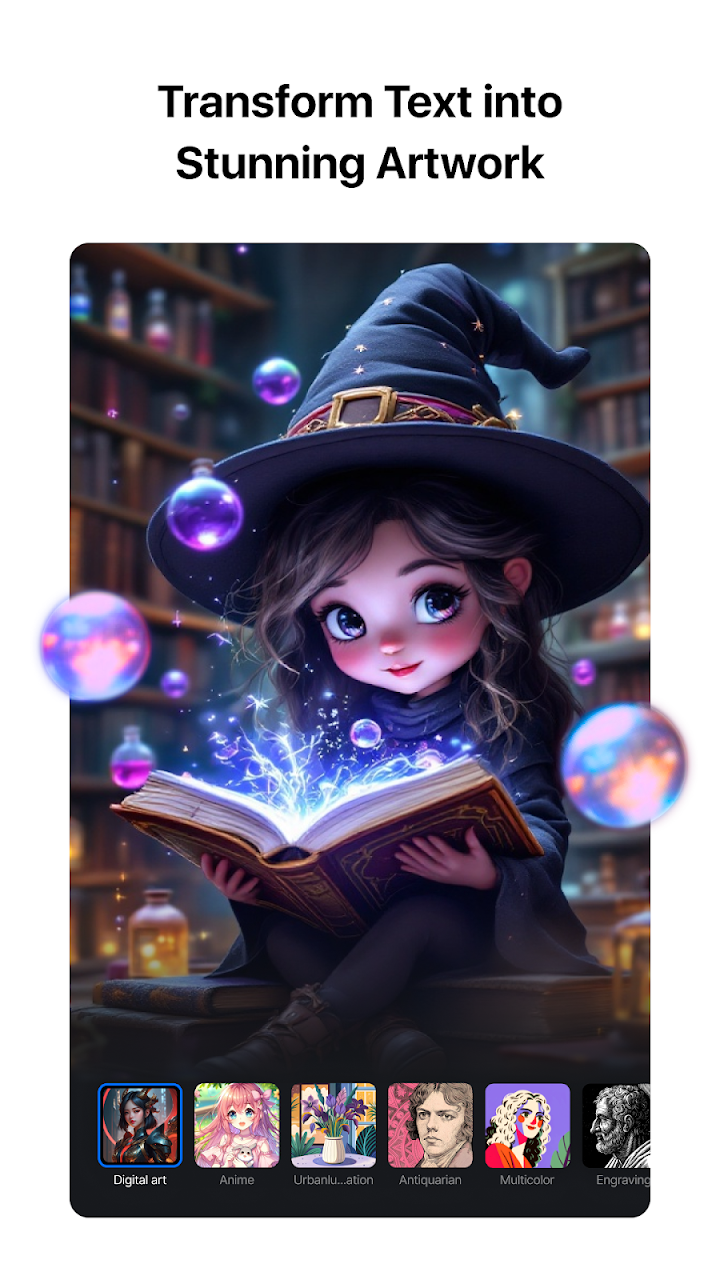
- Image Generation. Create images from text prompts for thumbnails, covers, and creative assets.
- Video Generation. Generate video clips with AI to kickstart your editing workflow.
[Smart Tools]
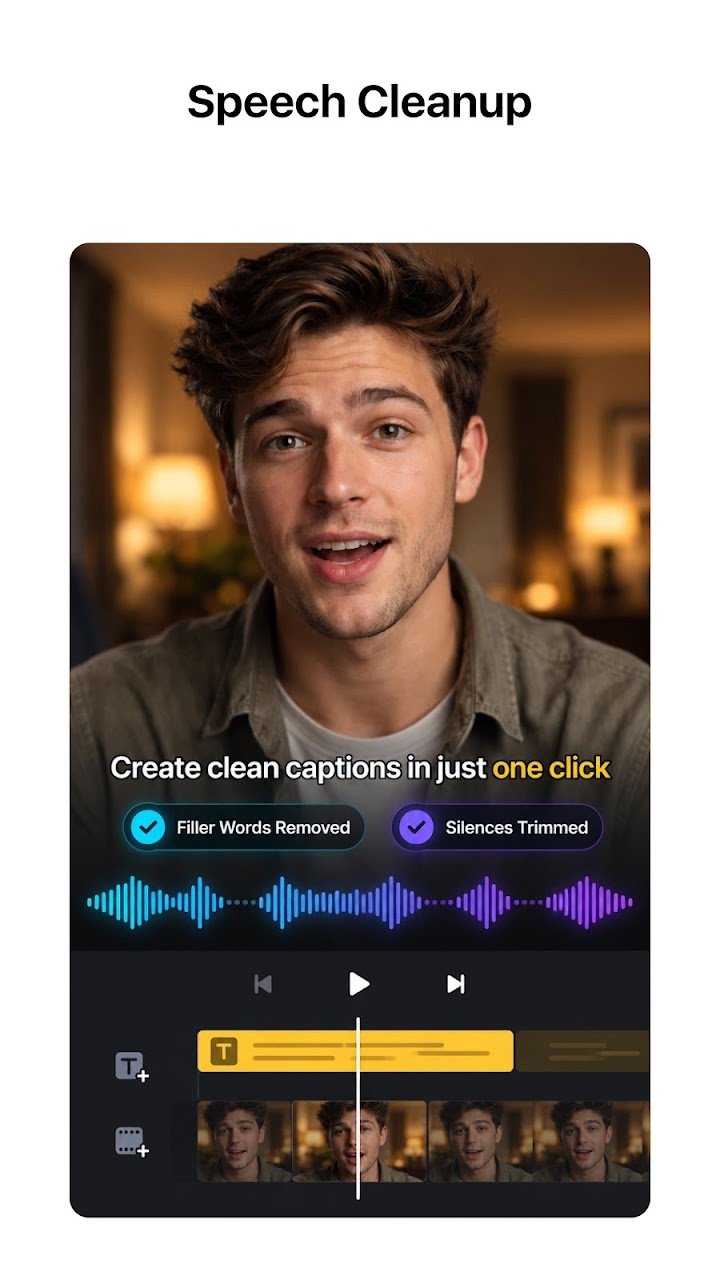
- Auto Captions. Automatically generate subtitles from audio—supports multiple languages, subtitle templates, and animated text styles—and intelligently detect and remove filler words and silent segments for tighter, faster talking-head edits.
- Text-to-Speech. Generate voiceovers for your videos without recording.
- Video/Photo Cutout. Remove backgrounds from videos and photos in one tap.
- Smooth Slow Motion. AI frame interpolation for fluid slow-mo—even when slowing down standard frame rate footage.
[Video Editing]
- Trim & Merge. Cut clips with frame-accurate precision (0.05s) and merge them into a seamless timeline—with up to 30x zoom.
- Overlay. Add overlay videos, photos, stickers, and text on a multi-layer timeline.
- Masks. Apply masks to layers for precise, creative compositions.
- Reverse, Zoom & Freeze Frame. Play clips backward, add zoom motion, or freeze key moments.
- Add Text & Stickers. Customize text and stickers with keyframe animation.
- Music & Voice-over. Add music, sound effects, and record voice-overs directly in the app.
- Speed Control. Speed up or slow down clips with presets or advanced curve-based speed ramps.
- Keyframe Editing. Add custom keyframe animations with 19 built-in effects and adjustable curves.
- Beat Editing. Add markers to sync your clips with music beats.
- Non-destructive Editing. Save drafts anytime with full undo/redo support.
[Quick Create]
- BeatsClips. Generate beat-synced templates from your video or music—use them in templates or with AutoCut.
- AutoCut. Turn your footage into a finished edit automatically—select a BeatsClips template and sync clips to the beat.
- Story. Organize clips along a storyline first, then generate your video.
- Teleprompter. Read your script while recording talking-head videos—stay on track and never lose your flow.
[Filters, Effects & Transitions]
- Cinematic Filters & LUTs. Apply built-in filters or import LUTs for a professional look.
- Transitions & Effects. Smooth transitions and diverse visual effects for polished edits.
[Templates]
- Custom Templates. Create your own templates and reuse them across projects to keep a consistent style and edit faster.
- Platform Templates. A rich library for every scenario—talking videos, Instagram Reels, Instagram Stories, Posts, YouTube videos, TikTok covers, YouTube thumbnails, festivals, business, and more.
[Photo Editing & Collage]
- Photo Editing. Add text and stickers to photos, apply filters, and adjust brightness, contrast, and more.
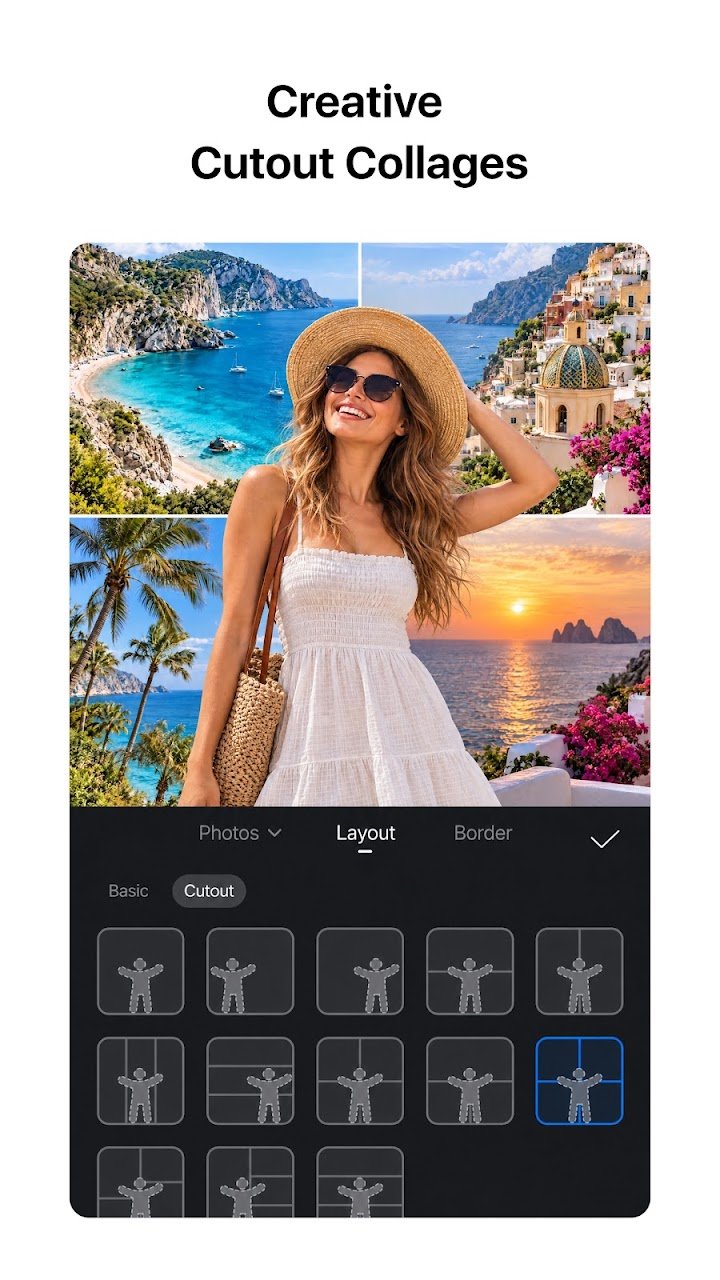
- Photo Collage Maker. Stitch multiple photos with rich layouts—cutout support for easy, personalized collages.
- Customize Collages. Add backgrounds, filters, overlay, text, and stickers to create polished collages.
[Import & Assets]
- Easy Import. Add media via Wi-Fi, WhatsApp, Telegram, or Zip.
- Asset Library. Access stickers, fonts, filters, LUTs, and more.
[Share & Export]
- High-Quality Export. Export up to 4K resolution at 60fps.
- Secure Mode. Protect drafts with passwords and expiration dates.
- Share to Social Apps. Share to YouTube, Instagram, TikTok, WhatsApp, and more.
Discord: discord.gg/eGFB2BW4uM
YouTube: @vnvideoeditor
Email: vn.support+android@ui.com
Terms: www.ui.com/legal/termsofservice
Privacy: www.ui.com/legal/privacypolicy
Website: www.vlognow.me